A fax in your Fax History can be printed or downloaded at any time, as well as split downloaded.
First, click History in the Fax menu. Then, click the 3 dots on the row of the fax you want to download or print:
To print, click the View/Print option and then click the Print button after the fax opens.
To download, click the Download option and the fax will instantly download as a PDF.
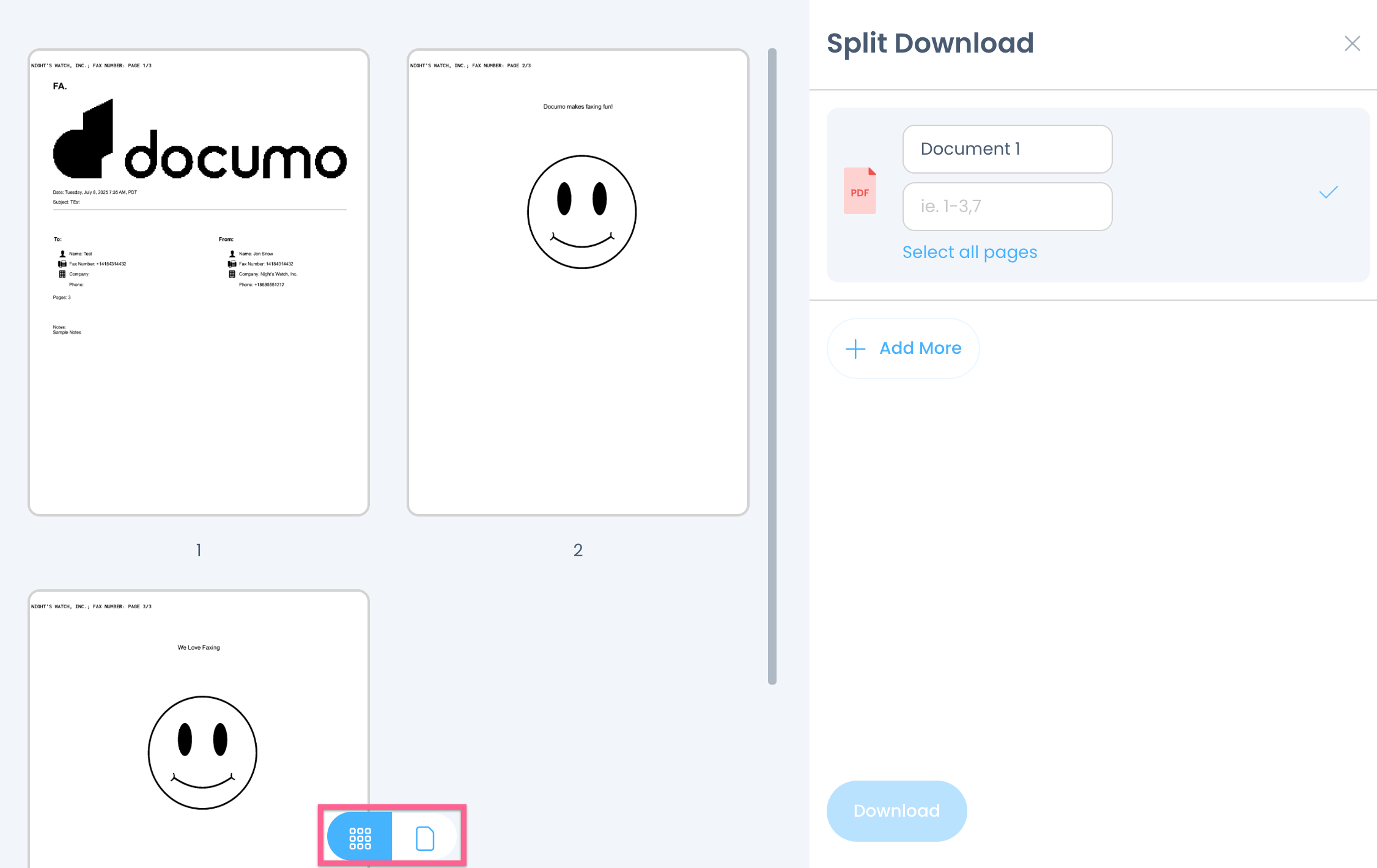
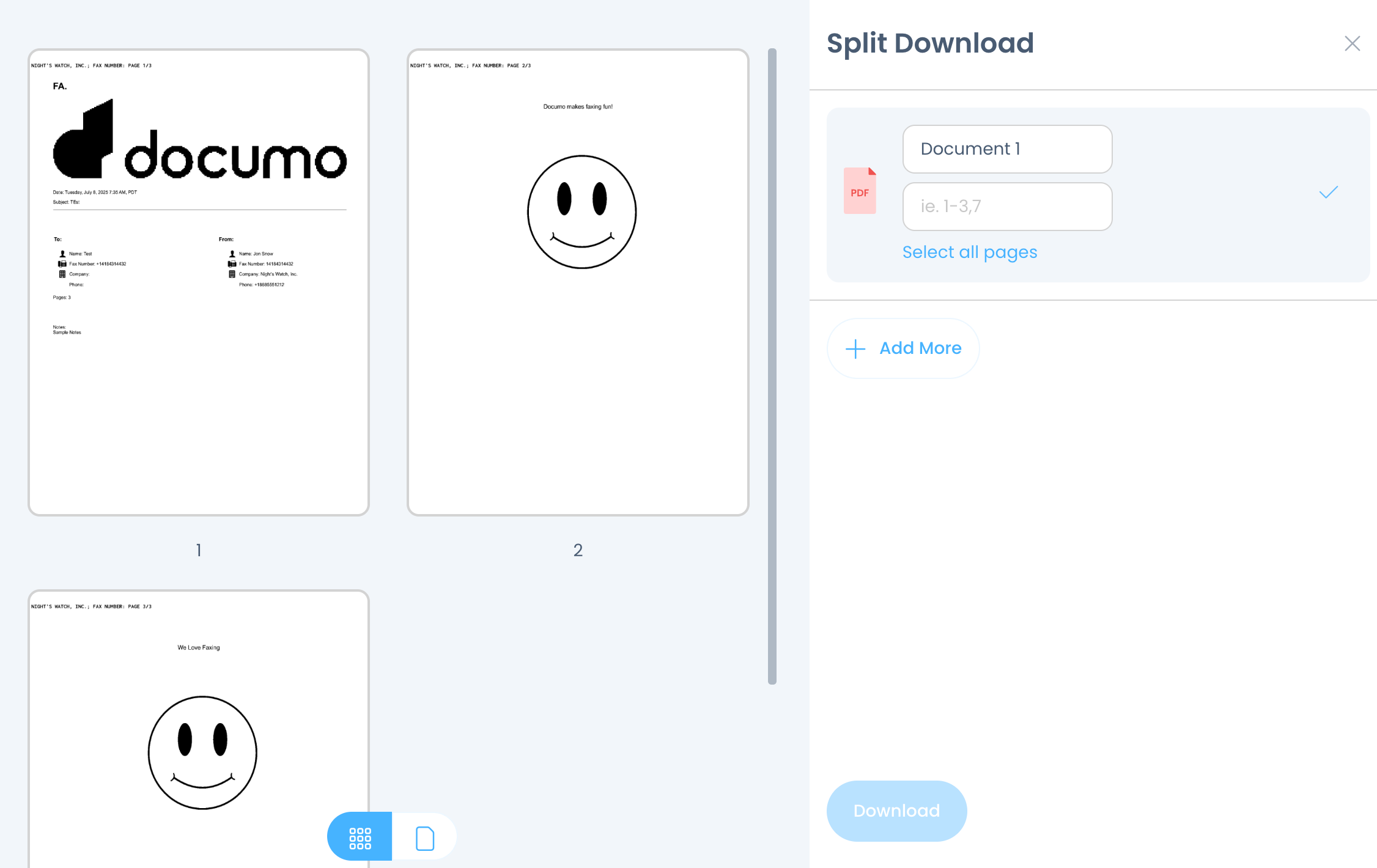
The split download feature enables downloading of specific pages from the fax, rather than the entire document. First click the three dots, then select Split download:
When the screen displaying all attachments appears, enter the desired page numbers to download. For example, entering 1,3,5 will download pages 1, 3, and 5. To download a range, such as pages 1 and 3 through 7, enter 1,3–7. Then select Select All Pages followed by Download.
TIP: do not use spaces when typing page numbers.
TIP: do not use spaces when typing page numbers.
The view can also be changed from Grid View to Single Page View: